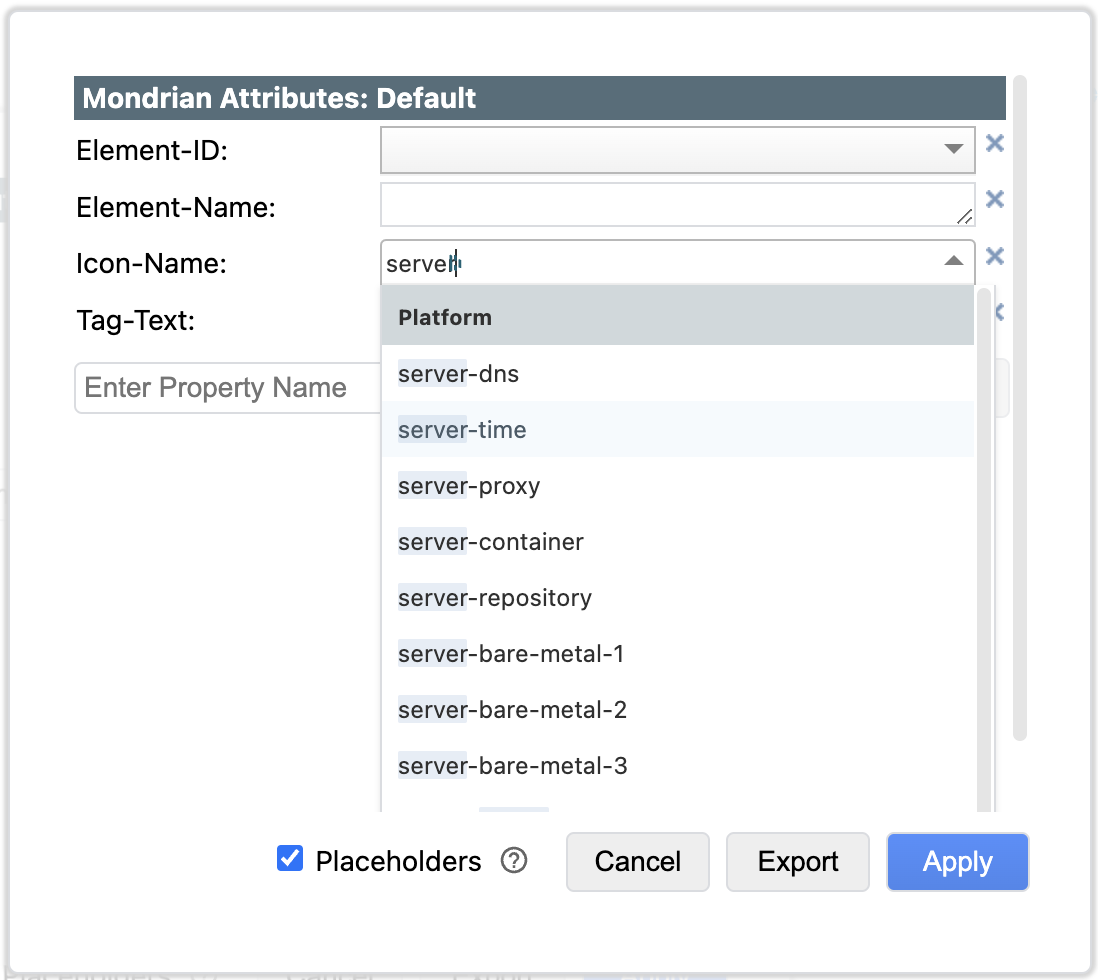
Icons
An Icon can be added to the Corner of the Shape. The Icon is white or black depending on the intensity of the background color.
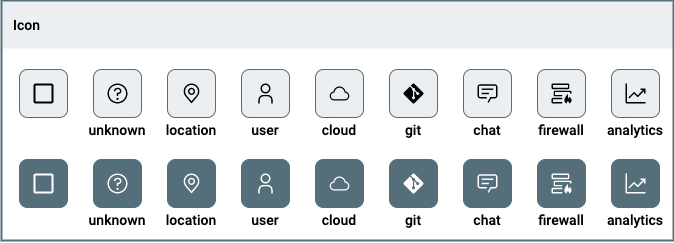
The Icon is added to the Shape via the Data Attribute Icon-Name.
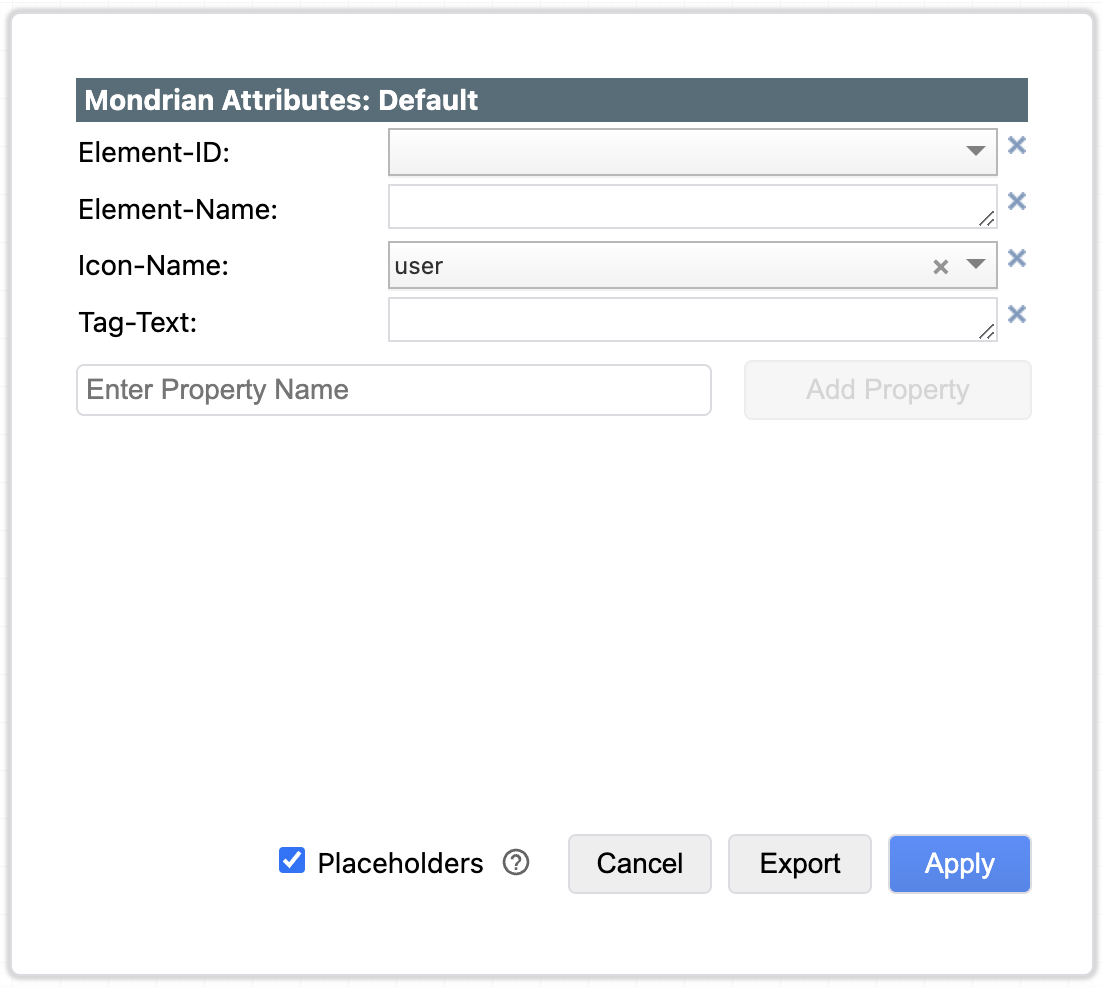
The Icon-Name is used to retrieve the icon from a central definition file in the Mondrian Diagrams application. The advantage is that you can change the Icon in one locatie, which subsequently is consistently applied in all diagrams that refer to the same Icon-Name. The disadvantage is that you will need support from the Mondrian Diagrams Administrator to add new icons.
Add new Icons
New Icons can be added to Mondrian Diagrams with support of the Mondrian Diagrams Administrator.
The following restrictions apply:
- The Icon must be in SVG format
- The SVG file must be succesfully converted using the JGraph SVG2XML Tool.
- The Intellectual Property rights of the Icon must allow re-use without license implications.
- The color of the Icon is Black
- The style of the Icons if flat.
The following sources may provide the Icon you are looking for:
- IBM Design Language UI Icons: the initial source of the Mondrian Diagrams Icon library and still the main, preferred supplier.
- Material Design Icons
- Font Awesome
- Octicons
- Simple Icons
The Mondrian Diagrams administrator will need to following information to add the Icon:
- SVG file
- Icon-Name
- Icon-Group-Name
For example, the IBM Design Language Weather Cloud Icon is stored under the Icon-Name cloud in the Icon-Group-Name Platform:
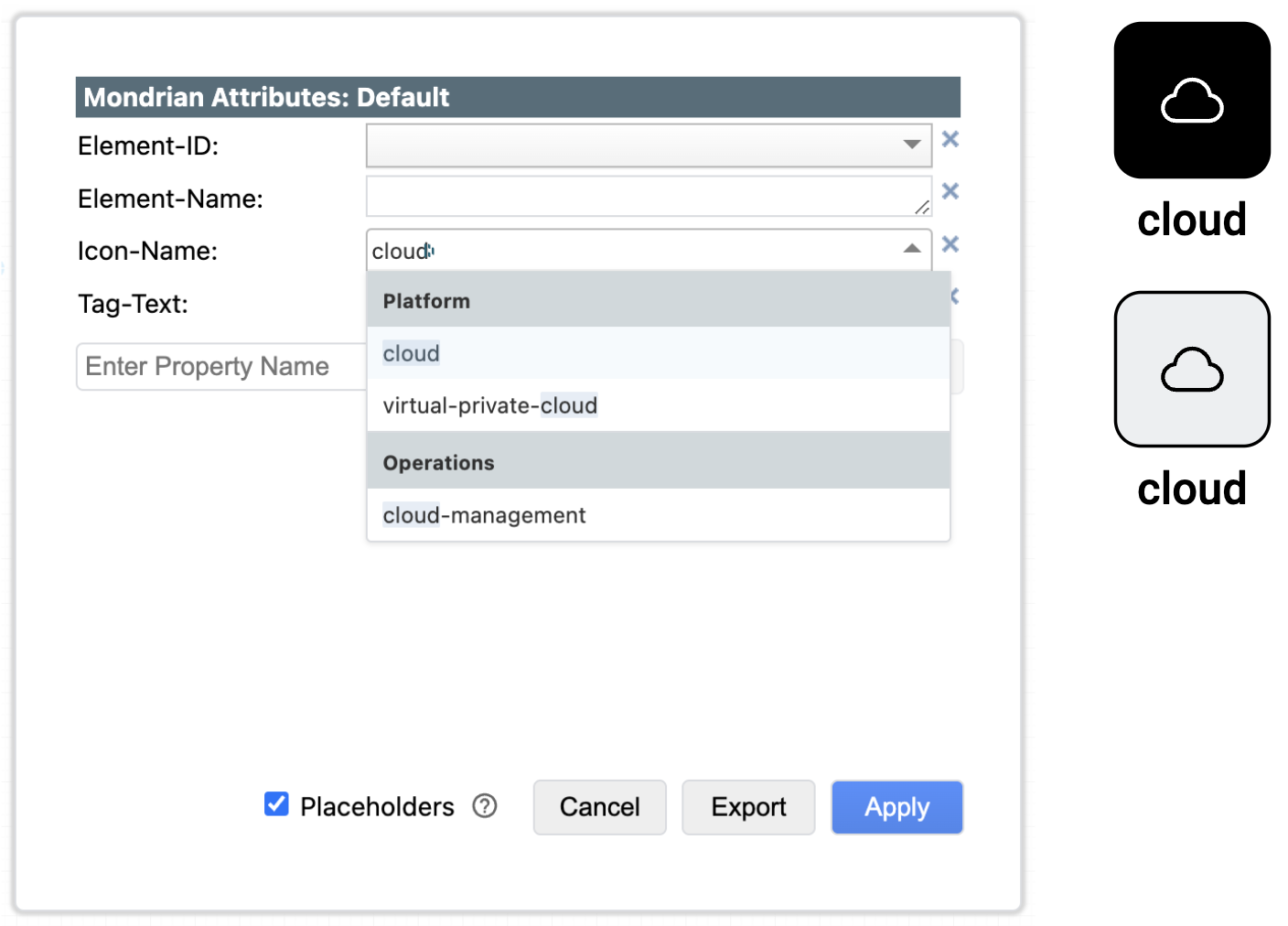
Icon-Name
If you have multiple Icons that are of the same type it is advised to prefix those icons with the type. This improves useability since they are easier to find and in the sitebar they will be sorted next to each other.
E.g. there are various types of servers: